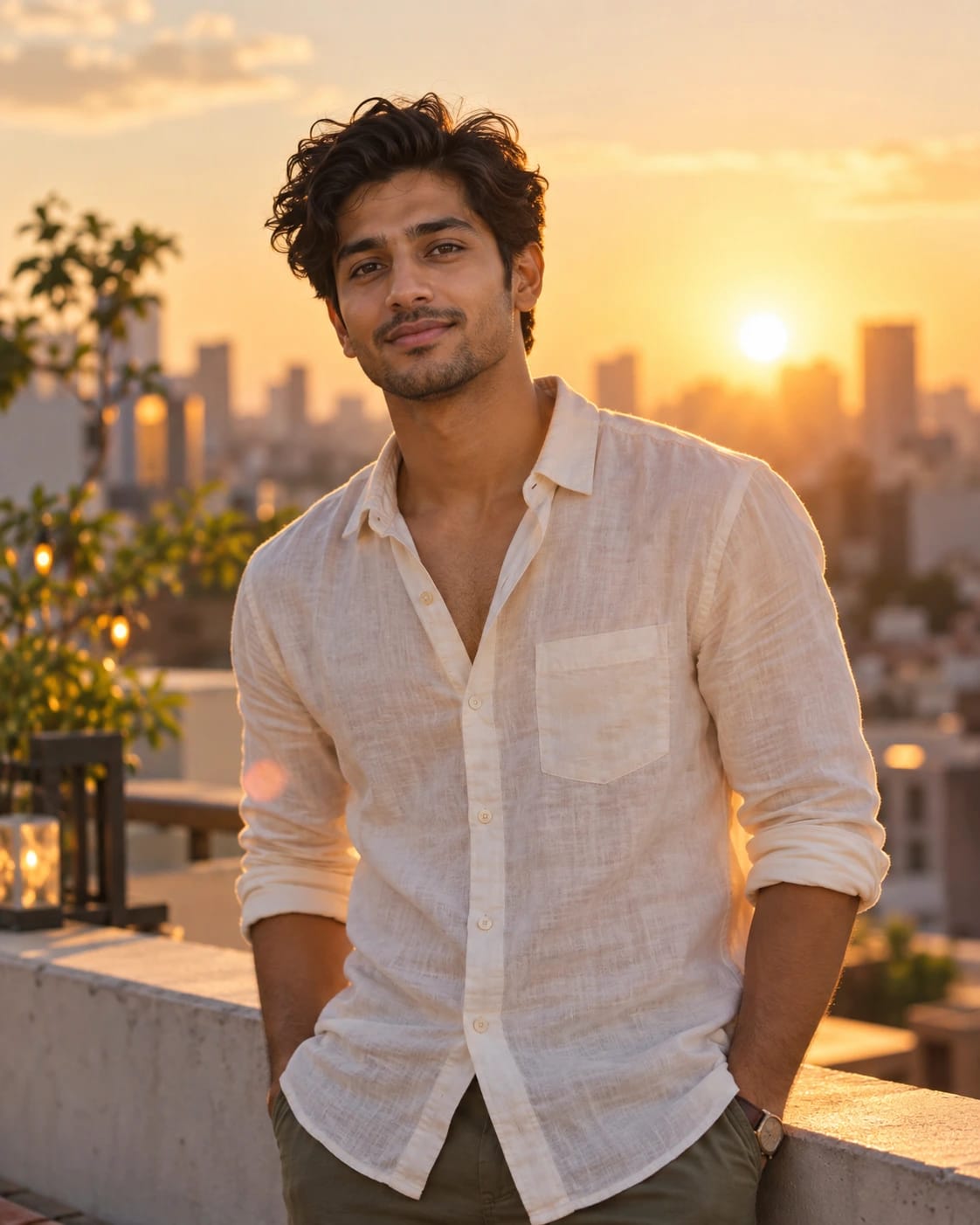
Golden hour rooftop portrait
Men · ChatGPT
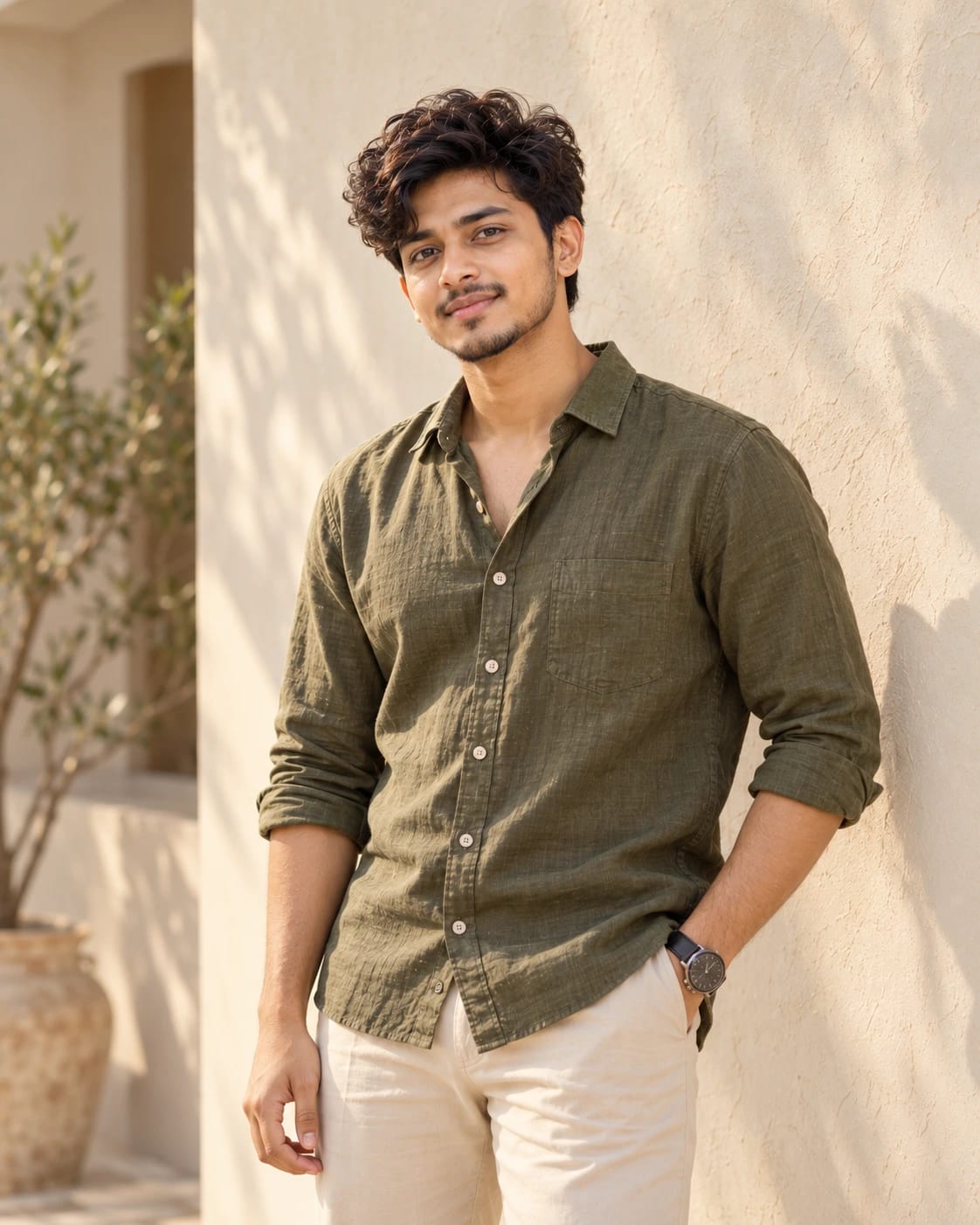
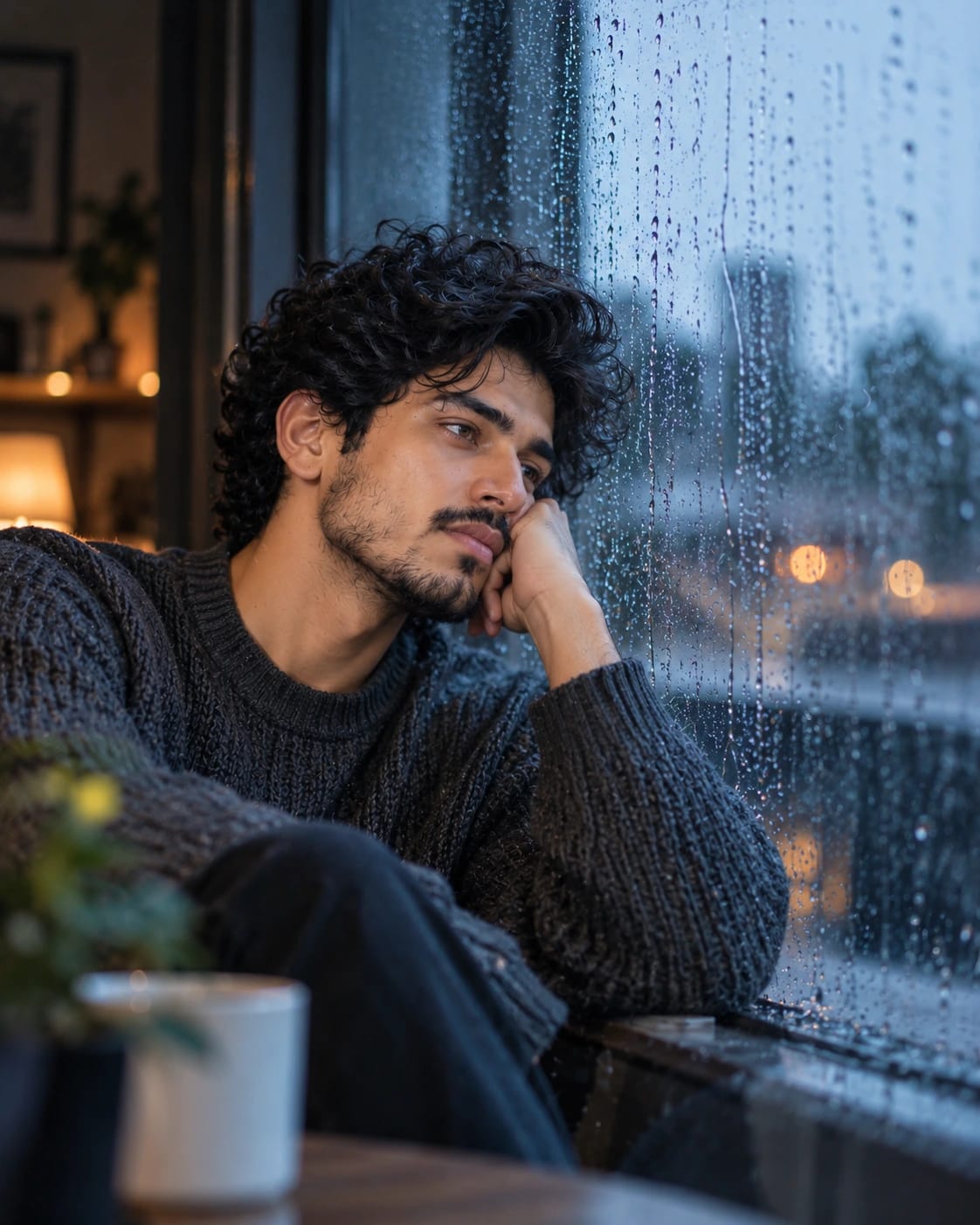
Portrait prompts turn an everyday selfie into a photo that looks like it came from a real shoot — golden-hour rooftops, rainy windows, studio light or a classic black and white finish. Every prompt here is written to keep your face, skin tone and hairline the same, so the result still looks like you.
Copy a prompt, open ChatGPT or Gemini, upload a clear front-facing photo and paste the text. If the first result is close but not perfect, ask for small changes such as warmer light or a different outfit instead of starting again.
Men · ChatGPT
Men · ChatGPT
Women · ChatGPT
Men · ChatGPT
Women · ChatGPT
Women · ChatGPT
Most portrait prompts are written for ChatGPT and Gemini, which let you upload your own photo. Each prompt page lists the tools we recommend under “Works with”. Midjourney and Flux can use many of them too, but keeping your exact face usually needs a reference-image feature.
Use a clear, well-lit photo where you face the camera, and keep the line about keeping your face exactly the same in the prompt. If the face drifts, reply with “keep my face identical to the uploaded photo” and try again.
That depends on the terms of the AI tool you use to create the image, not on the prompt. Check the tool's usage policy before using a result in ads or products, and only upload photos you have the right to use.