Skip to content
Photo restoration
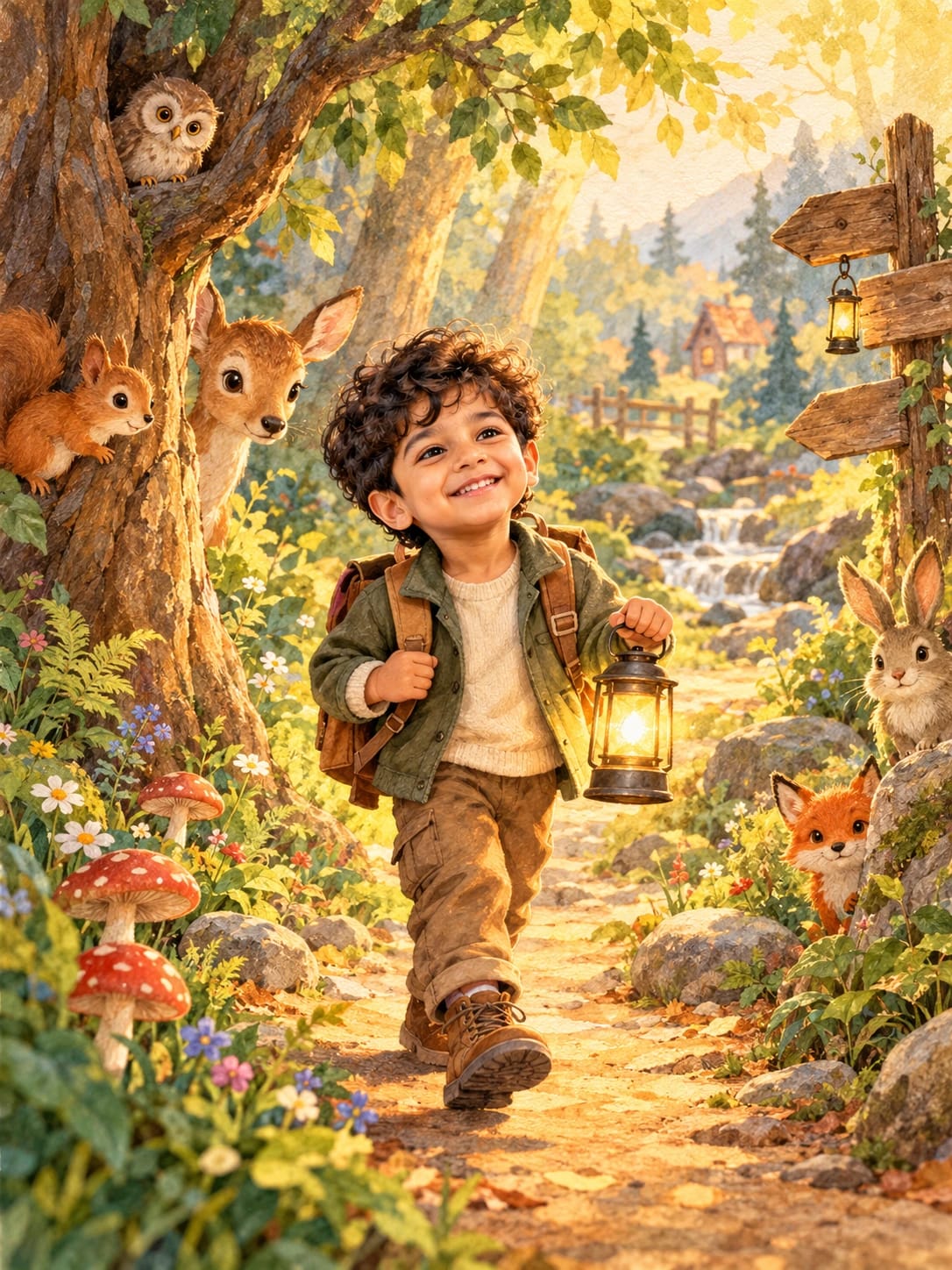
Restore an old family photo – AI photo made with ChatGPTMade with ChatGPT

Restore an old family photo

Repair scratches and fading in an old photo, and gently add natural colour.

PROMPT

Restore my uploaded old photo. Keep every person's face, expression, age and pose exactly the same — do not change or beautify anyone. Remove scratches, dust, creases and stains, fix fading, improve sharpness gently, and add natural, realistic colours suitable for the era. Keep the original composition and background. Result should look like a well-preserved original photograph, 4:5.

Works withChatGPTGemini

How to use

  1. 1Open ChatGPT or Gemini and upload a clear photo of yourself.
  2. 2Paste the prompt and send it.
  3. 3Not quite right? Ask for small changes, like “warmer light”.

Get new prompts on WhatsApp

New tested prompts every week, straight to your phone.

Join (opens in a new tab)

How to use

  1. 1Open ChatGPT or Gemini and upload a clear photo of yourself.
  2. 2Paste the prompt and send it.
  3. 3Not quite right? Ask for small changes, like “warmer light”.

Get new prompts on WhatsApp

New tested prompts every week, straight to your phone.

Join (opens in a new tab)

About this prompt

What this prompt creates

This prompt restores a damaged old photograph by removing scratches, dust and creases, fixing faded areas and adding natural colour. It is written to protect the people in the photo, asking the model not to change faces, ages or expressions, which is the most important part of restoring family memories. The result looks like a well-kept original print rather than a modern edit.

Tips for the best result

  • Scan or photograph the old print flat, in good light and without glare, before uploading.
  • If someone's face changes, try again and repeat “do not change any face”.
  • Keep a copy of the original; restoration is a new interpretation, not a replacement.
  • Share the restored version with relatives who knew the people in the photo; they can tell you whether hair colour, clothes or skin tones look right for the time.

Variations to try

  • Ask for black-and-white restoration only, without adding colour.
  • Request a gentle crop to remove damaged borders.
  • Try restoring a group of photos one by one for a family album.

More like this

More in Memories →