About this prompt
What this prompt creates
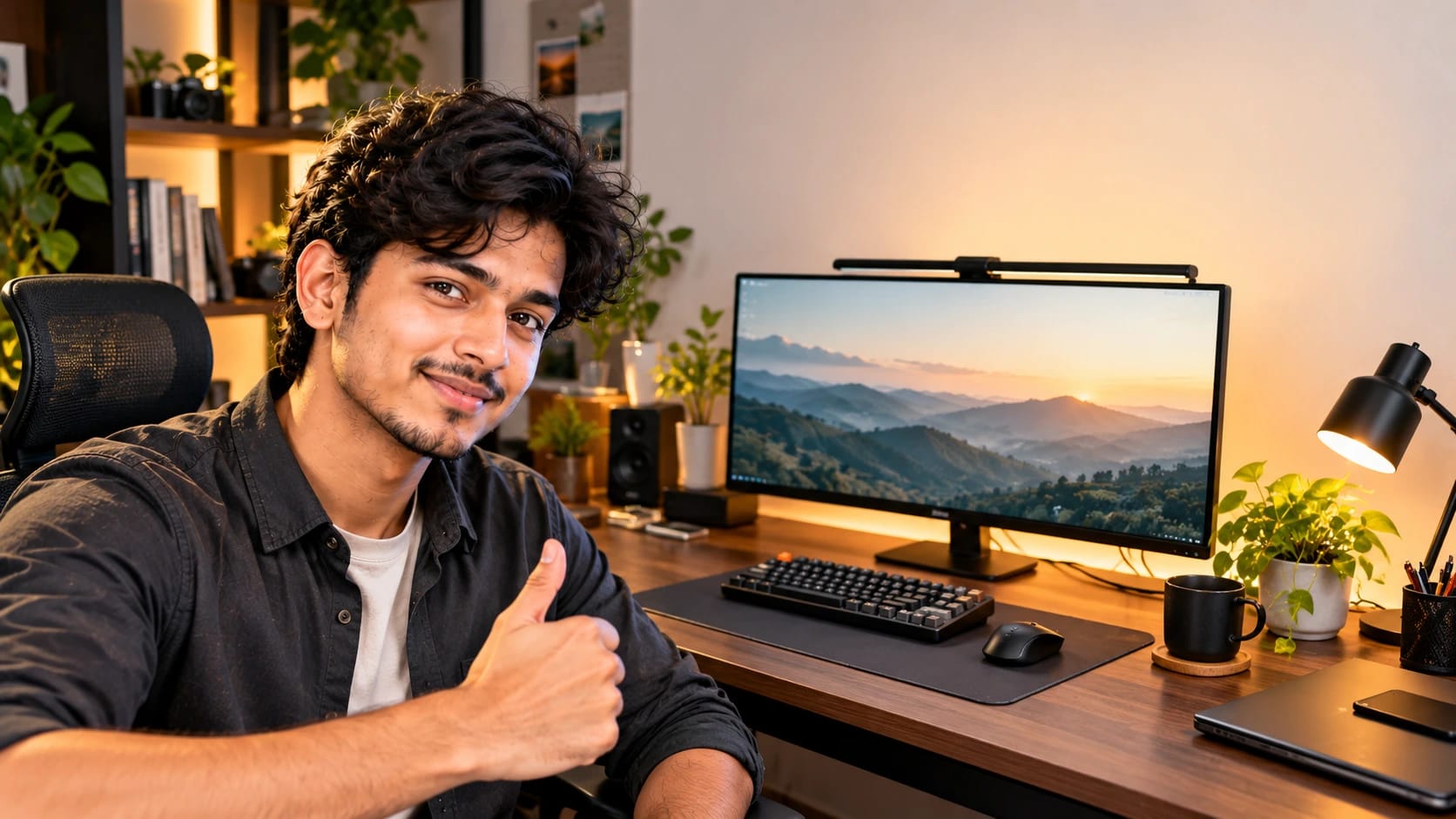
This prompt creates a clean desk-review thumbnail featuring a presenter beside a modern workstation. A charcoal shirt, dark wood desk and warm white wall give the scene a professional but approachable look. Balanced soft face lighting and a controlled desk-lamp glow keep the presenter clear while preserving crisp edges around the monitor, keyboard and other equipment. The 16:9 composition is ideal for video thumbnails, so review the crop before switching to another format.
Tips for the best result
Use a sharp, evenly lit reference photo that clearly shows the full face and hairline.
If workstation accuracy matters, upload a clear reference of the actual desk setup.
Avoid using a heavily filtered image as the only identity reference.
Keep the headline away from the monitor bezel and other detailed equipment.
Simplify small desk objects if the setup starts to look cluttered or distorted.
Check the first result carefully for face accuracy, equipment edges, text placement and unwanted elements.
Variations to try
Try a bright minimal white desk with a single blue accent for a cleaner tech look.
Use a darker studio background for a more cinematic review thumbnail.
Keep the same composition but reduce the number of desk accessories for a simpler layout.
Change one instruction at a time so you can clearly compare how the lighting, desk style or colour palette affects the result.
Where to use it
This concept works well for desk reviews, productivity videos, workstation showcases and home-office tours. Keep an uncropped master version and create separate exports for YouTube or other video platforms. Review the headline, presenter’s face and equipment detail at actual thumbnail size, since a design that looks clear when enlarged may become harder to read on mobile.