Skip to content
Wedding album
Wedding album spread – AI photo made with ChatGPTMade with ChatGPT

Wedding album spread

A two-page wedding album layout built around your own couple photo.

PROMPT

Use the couple in my uploaded photo and keep both faces exactly the same. Design an open wedding album spread, top-down view: the left page holds one large photo of the couple, the right page holds three smaller candid moments in a clean grid, with a short line of text “The day we said yes” in an elegant serif. Ivory pages, thin white borders, soft natural light on the album, 16:9.

Works withChatGPTGeminiMidjourney

How to use

  1. 1Open ChatGPT or Gemini and upload a clear photo of yourself.
  2. 2Paste the prompt and send it.
  3. 3Not quite right? Ask for small changes, like “warmer light”.

Get new prompts on WhatsApp

New tested prompts every week, straight to your phone.

Join (opens in a new tab)

How to use

  1. 1Open ChatGPT or Gemini and upload a clear photo of yourself.
  2. 2Paste the prompt and send it.
  3. 3Not quite right? Ask for small changes, like “warmer light”.

Get new prompts on WhatsApp

New tested prompts every week, straight to your phone.

Join (opens in a new tab)

About this prompt

What this prompt creates

This prompt creates a realistic open wedding album with one large photo on the left page and a small grid of candid moments on the right. It helps you picture how your photos will look in a printed album, including margins and text, before you order one. The ivory pages and soft light give it a timeless feel that suits most wedding styles.

Tips for the best result

  • Upload your favourite couple photo; the model will build the smaller moments in a matching style.
  • If the small photos show different people, add “every photo shows the same couple”.
  • Use this as a layout guide, then place your real photos in an album design tool.
  • Generate several spreads with different layouts, such as one full-page photo or a four-photo grid, and use the ones you like as a guide when you design the real album.

Variations to try

  • Try a black album with white text for a modern, dramatic look.
  • Replace the grid with one panoramic photo across both pages.
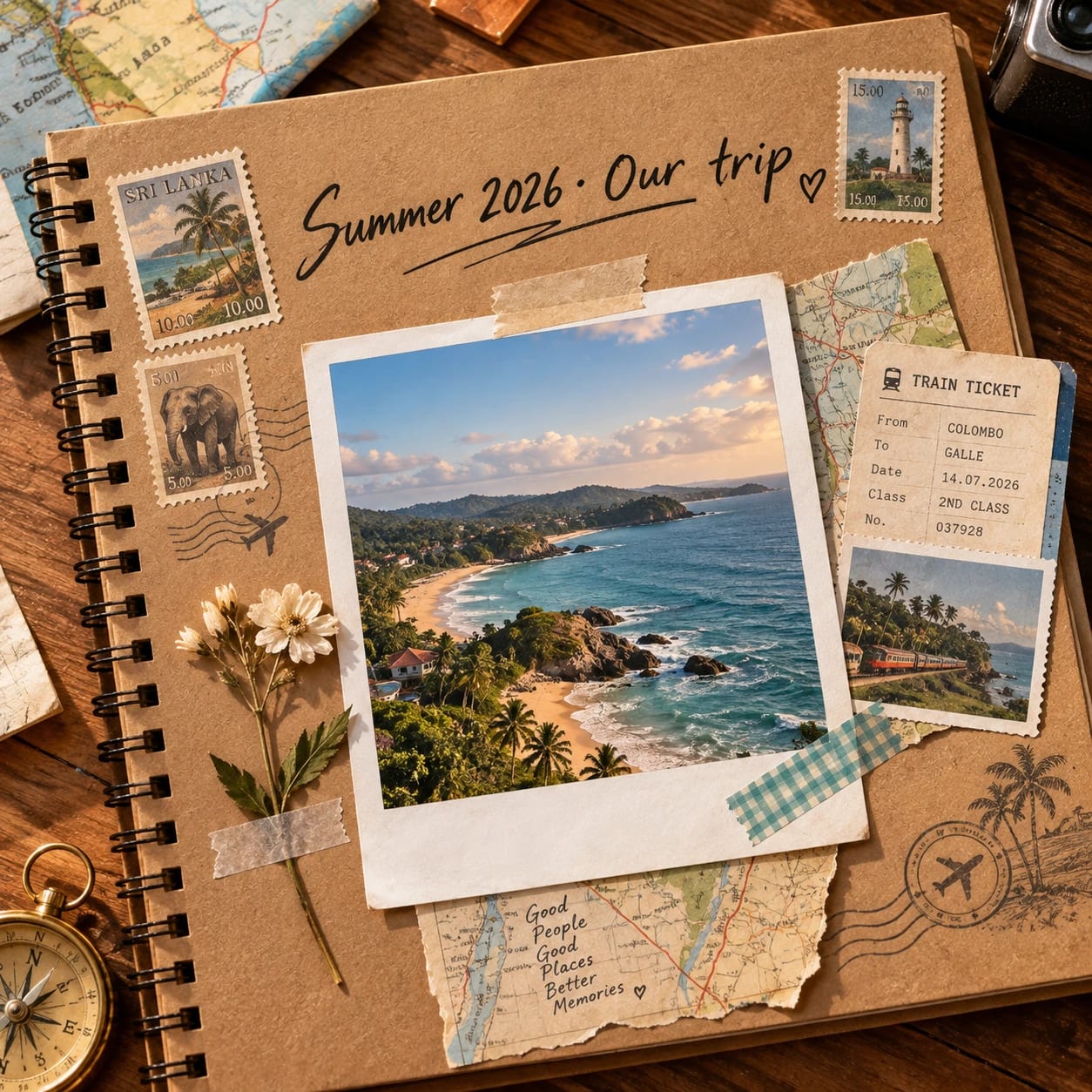
  • Ask for a travel album version with maps and ticket stubs.
More like this

More in Albums →