Skip to content
Video
Bold video thumbnail – AI photo made with ChatGPTMade with ChatGPT

Bold video thumbnail

A high-contrast video thumbnail with a big reaction face and short headline.

PROMPT

Use my uploaded photo and keep my face exactly the same, with a surprised, excited expression. Create a bold video thumbnail: me on the right third of the frame, bright yellow background with a subtle radial glow, a thick white outline around me, and the headline “I TRIED IT FOR 30 DAYS” in huge bold black letters on the left. High contrast, clean, readable at small size, 16:9.

Works withChatGPTGemini

How to use

  1. 1Open ChatGPT or Gemini and upload a clear photo of yourself.
  2. 2Paste the prompt and send it.
  3. 3Not quite right? Ask for small changes, like “warmer light”.

Get new prompts on WhatsApp

New tested prompts every week, straight to your phone.

Join (opens in a new tab)

How to use

  1. 1Open ChatGPT or Gemini and upload a clear photo of yourself.
  2. 2Paste the prompt and send it.
  3. 3Not quite right? Ask for small changes, like “warmer light”.

Get new prompts on WhatsApp

New tested prompts every week, straight to your phone.

Join (opens in a new tab)

About this prompt

What this prompt creates

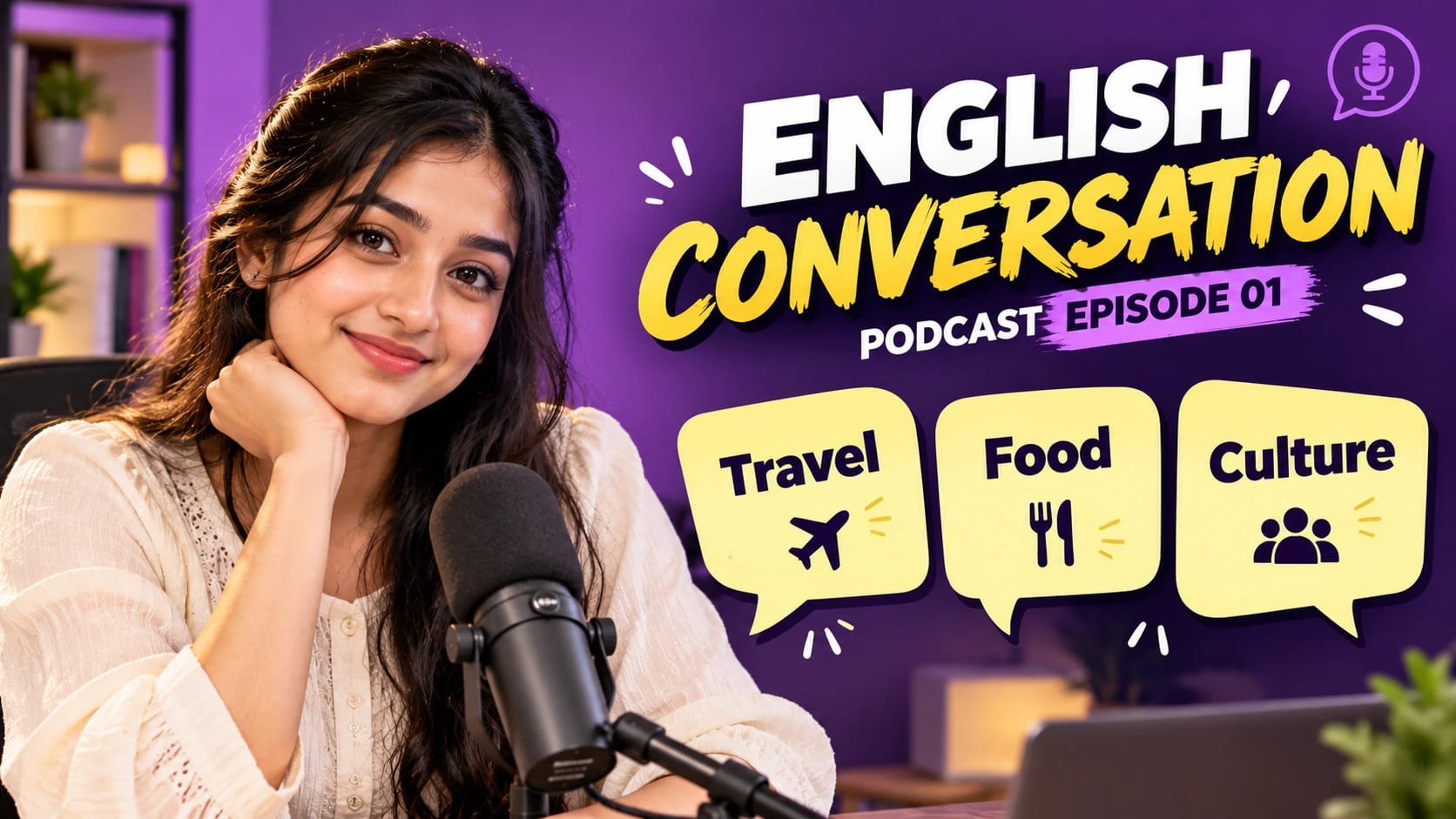
This prompt creates a thumbnail built for small screens: a big, clear face on one side and a short, bold headline on the other. The yellow background and white outline separate you from everything else, so the image stays readable even as a tiny preview on a phone. The layout follows simple rules that help thumbnails get noticed without relying on clutter or clickbait graphics.

Tips for the best result

  • Use a photo with a strong expression; the thumbnail style exaggerates emotion, so a neutral face looks flat.
  • Keep the headline to five words or fewer and check that it matches your video honestly.
  • Preview the result at a small size before publishing to make sure the text is still readable.
  • Create two or three versions with different background colours and headline wording, then compare them side by side to see which one is easiest to read at a glance.

Variations to try

  • Change the background colour to match your channel's brand colour.
  • Add a small object next to you that shows the topic, such as a book or a camera.
  • Ask for a split before/after layout for transformation videos.